OpenAI Trusted Access For Cyber's GPT-5.6 Daybreak-Blue Defensive Cyber Security Model
Enroll In OpenAI Advanced Account Security For Trusted Access For Cyber's GPT-5.6 Daybreak-Blue Defensive Cyber Security LLM Model

Previously I wrote about how I needed to enroll in OpenAI’s Trusted Access For Cyber program to unblock my security related work. Without enrolling, OpenAI models would block me when doing security related work.
Today I got an email, that OpenAI Trusted Access For Cyber (TAC) users need to enroll in OpenAI Advanced Account Security and configure a FIDO-compliant physical hardware security key by Sep 1, 2026 to be able to access OpenAI’s Daybreak-Blue Model for defensive cyber security work. I thought I’d share how I enrolled below.
Hello,
We’re reaching out about an important new security requirement for Trusted Access for Cyber (TAC) customers.
As OpenAI models become increasingly capable in cybersecurity, TAC accounts provide access to more capable and permissive models, such as Daybreak-Blue. This access supports important defensive work, but it can also make these accounts more attractive targets for threat actors.
To help keep you and your work protected, TAC Individual customers need to enroll in OpenAI Advanced Account Security and configure a FIDO-compliant physical hardware security key by Sep 1, 2026.
Advanced Account Security provides stronger, phishing-resistant sign-in protections and additional safeguards against account takeover. A software-only or synced passkey is not sufficient; you must register and authenticate with a physical hardware security key.
OpenAI Daybreak program has two access tiers:
Daybreak Blue provides access to frontier general-purpose models, including GPT‑5.6 Sol, with safeguards tailored to authorized defensive security work. It is the recommended starting point for most defenders, supporting vulnerability discovery, secure code review, malware analysis, incident response, and patch validation.
Daybreak Red provides access to our purpose-trained cybersecurity models for authorized vulnerability research, exploit validation, and security testing. Which also includes GPT‑5.6‑Cyber - trained to improve capabilities on several specialized cybersecurity tasks (e.g., finding zero-day vulnerabilities and developing exploit chains) and to reduce refusals for certain higher-risk, dual-use cyber tasks.
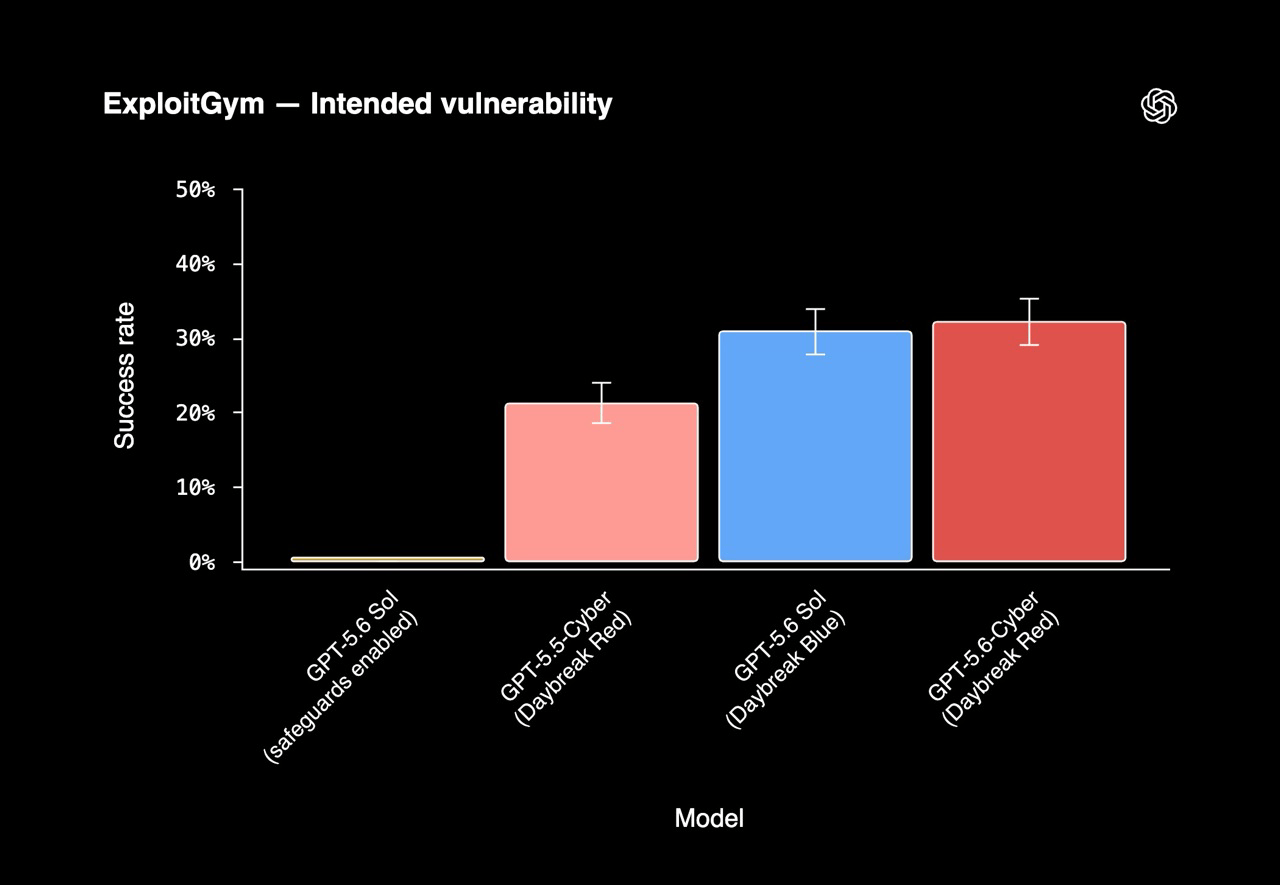
On ExploitGym benchmark, which evaluates whether agents can turn known vulnerabilities into working exploits that achieve arbitrary code execution in controlled environments, GPT‑5.6‑Cyber outperforms both GPT‑5.6 Sol (regular and Daybreak Blue) and GPT‑5.5 Cyber.
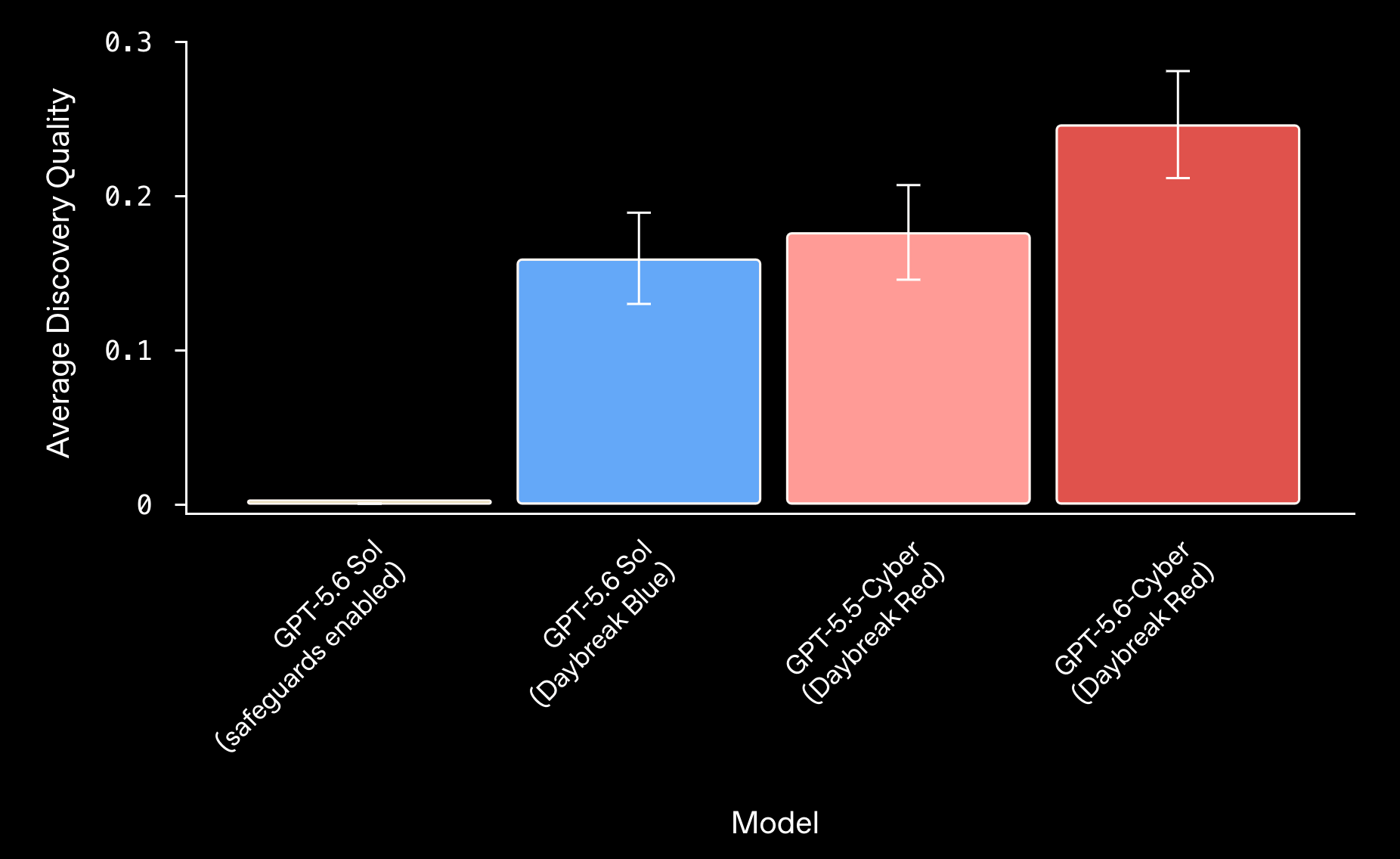
Zero-Day Discovery Eval for novel zero-day vulnerabilities. GPT‑5.6‑Cyber (Daybreak Red) outperformed GPT‑5.6 Sol (Daybreak Blue) on this benchmark due to its specialized training.
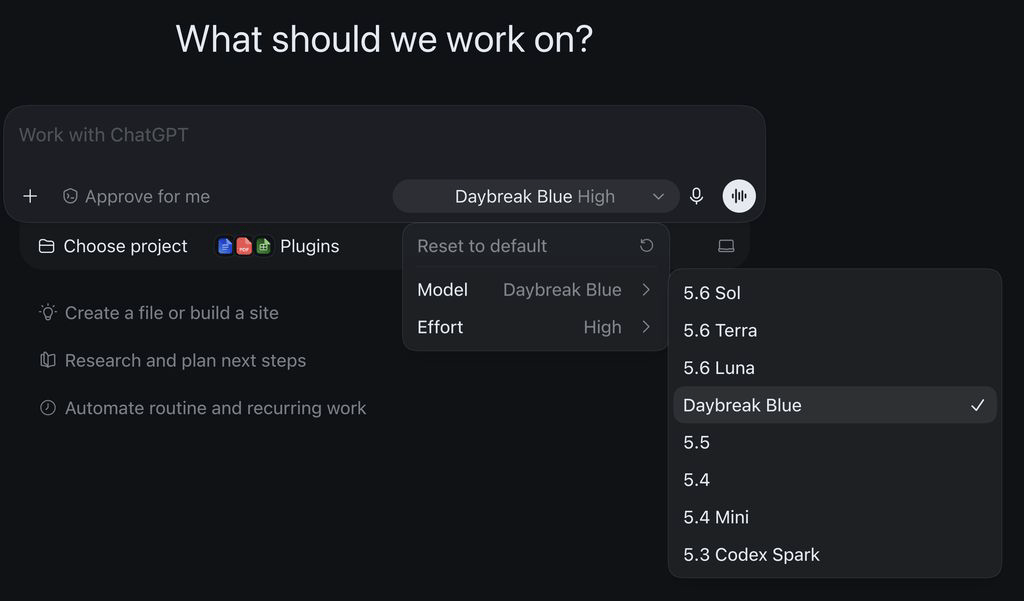
Access to OpenAI’s Daybreak-Blue defensive cyber security GPT-5.6 based LLM model in ChatGPT MacOS desktop app.
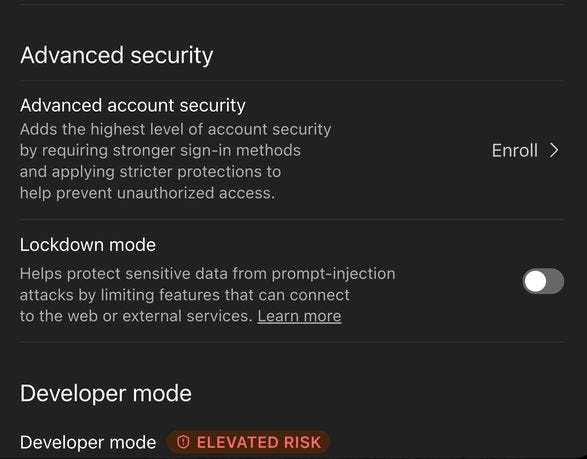
You can start enrolling in OpenAI Advanced Account Security within your ChatGPT app settings.
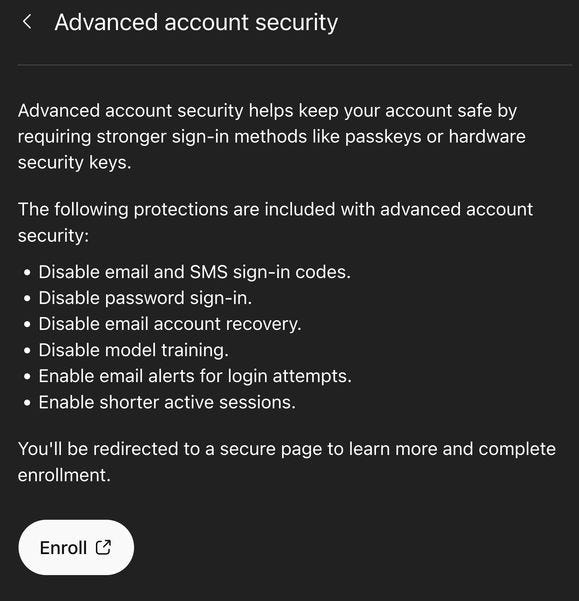
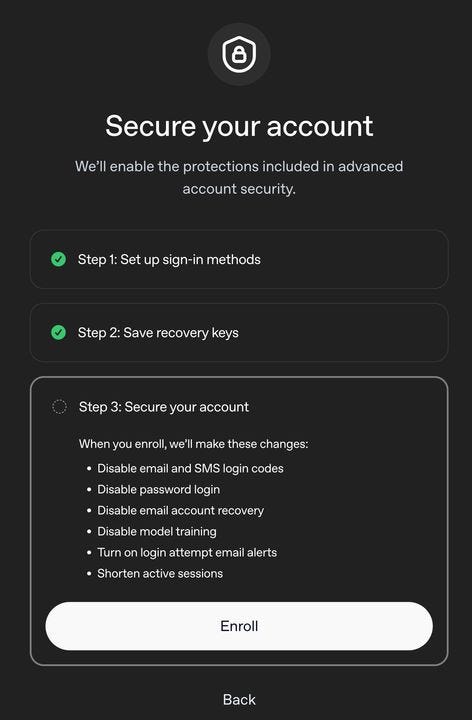
When advanced account security is enabled the following are in place:
Disable email and SMS sign-in codes
Disable password sign-in
Disable email account recovery
Disable model training
Enable email alerts for login attempts
Enable shorter active sessions
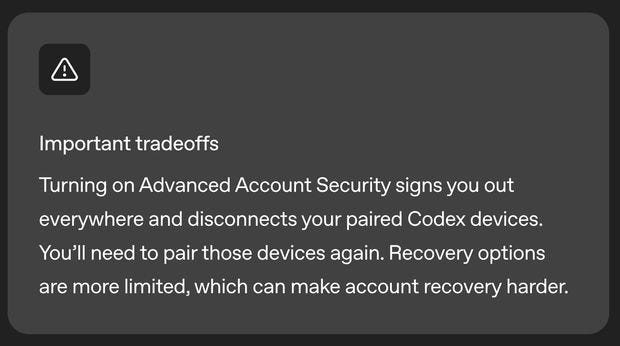
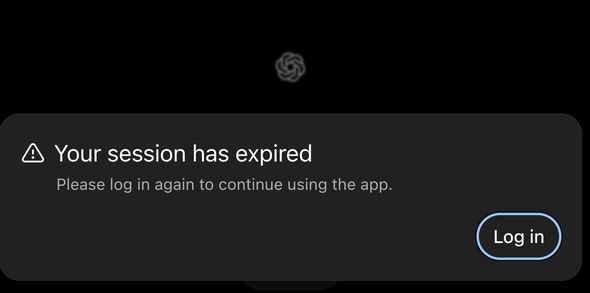
Enrolling will log you out of all OpenAI Codex devices - for me I immediately got logged out of ChatGPT web, ChatGPT Android and MacOS ChatGPT apps.
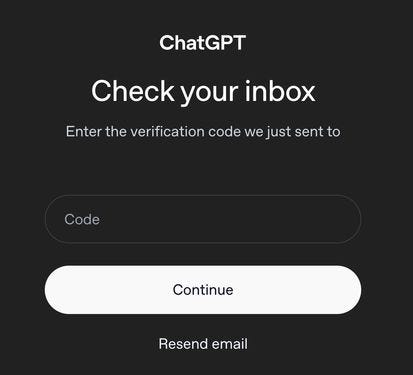
First you are prompted to enter your email for OpenAI account to get a temporary verification code PIN
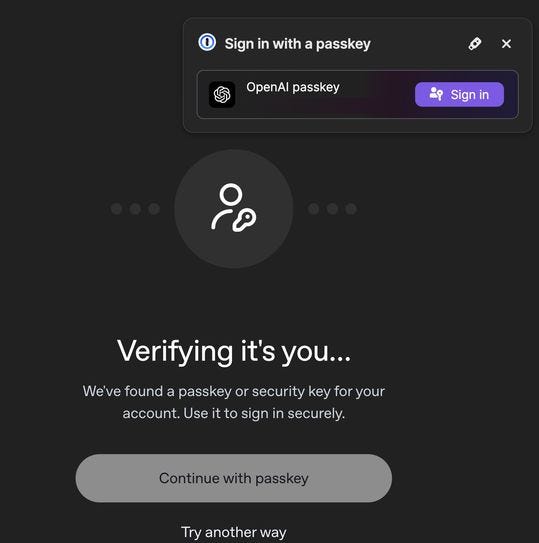
If you already had passkey authentication with your OpenAI account, you will be prompted to verify.
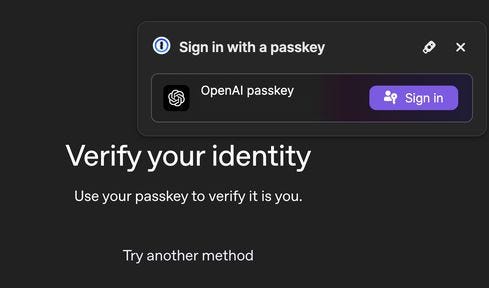
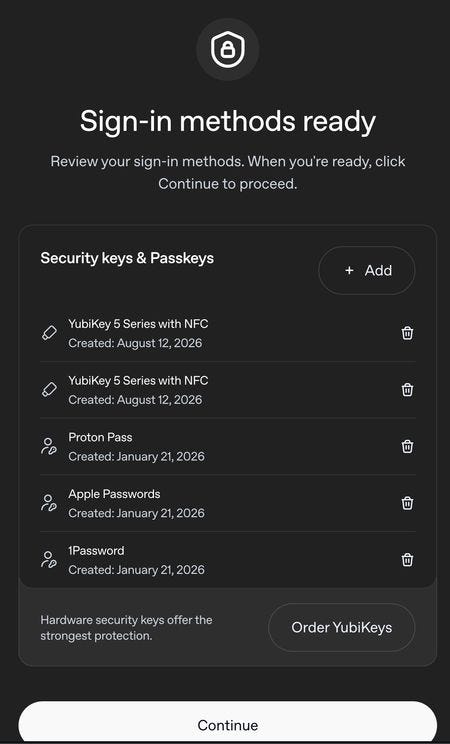
My OpenAI account has 1password and ProtonPass passkey security and also Apple TouchID password setup already. I only needed to add a FIDO-compliant physical hardware security key to satisfy the program requirements. I added two YubiKey NFC5 USB-C and NFC5-USB-A hardware security keys to my OpenAI account to enroll.
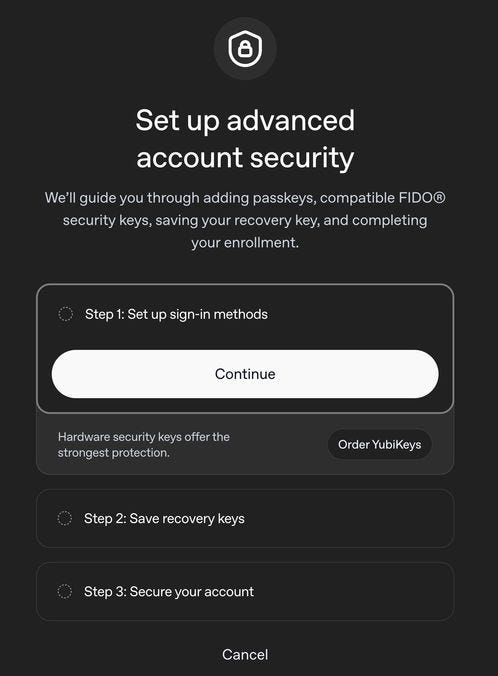
If you don’t have a FIDO-compliant physical hardware security key, you can order a YubiKey. Yubico currently has 20% off back to school sale on Yubikey purchases until August 16, 2026.
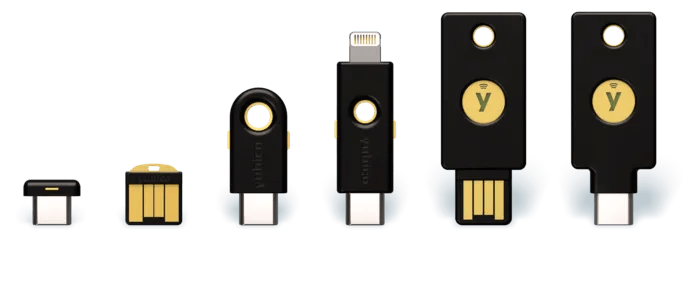
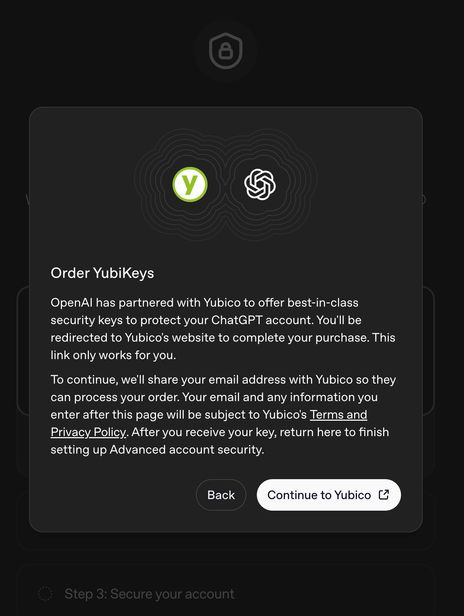
Add my YubiKey NFC5 USB-C and NFC5-USB-A hardware security keys.
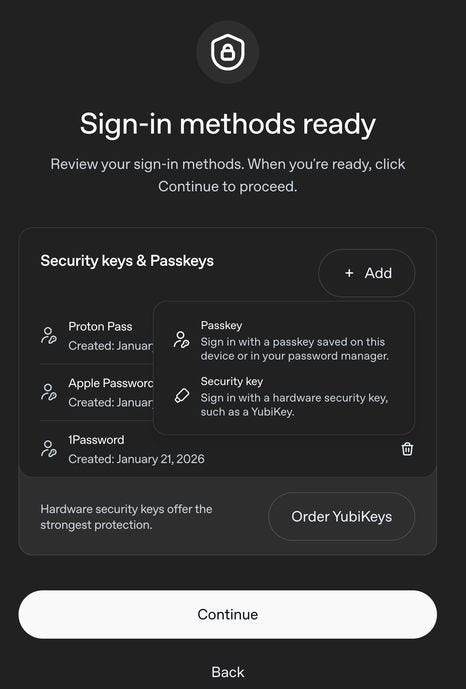
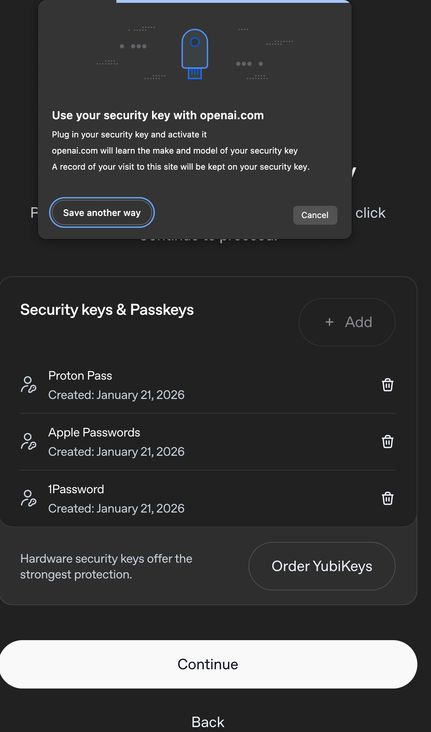
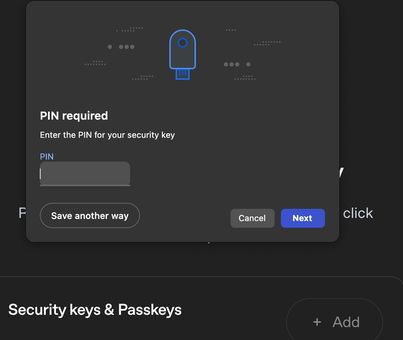
After adding both my YubiKey NFC5 USB-C and NFC5-USB-A hardware security keys, list of security keys and Passkeys linked to my OpenAI account.
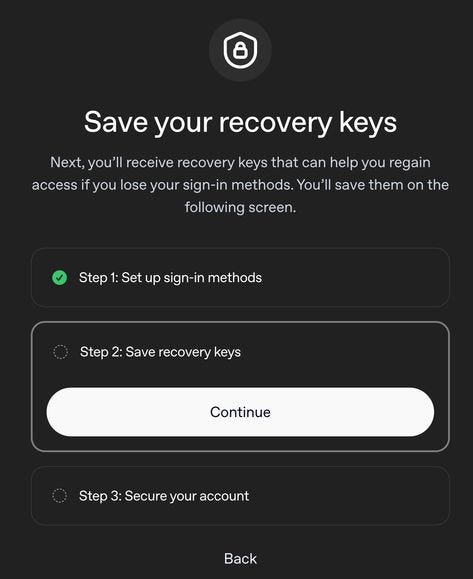
Now step 2 to save recovery keys. I saved mine to both my 1password and ProtonPass vaults.
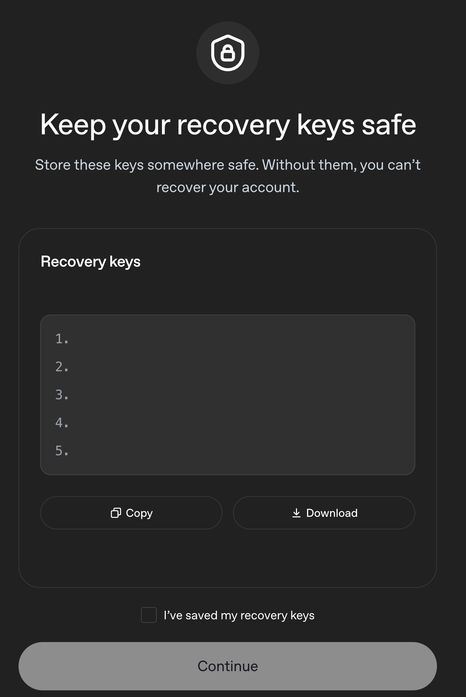
Step 3 is to secure the OpenAI account with actual enrollment into OpenAI Advanced Account Security.
OpenAI Advanced Account Security is now enabled.
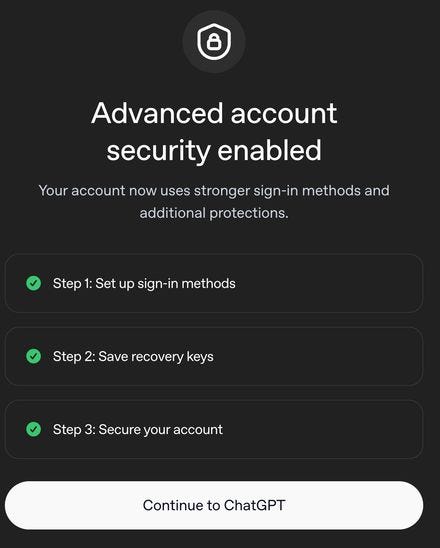
Immediately after enrollment, all my devices get logged out of and need logging in again.
Got an issue, though on next page load I am logged in after signing into using my 1password saved Passkey. Though not entirely sure what the point of requiring a hardware security key, if I can still login with prior added software passkeys?